Module 1 / 6
Point of sale (POS)
Issue receipts, take cash, transfers and cards, and deduct stock the moment you sell. Full tax invoices come straight from the sales page.

Touch-friendly sales screen for tablets and phones
Scan barcodes with your phone camera or a scanner
Open and close shifts, count the cash drawer
Quotations, invoices, credit and debit notes
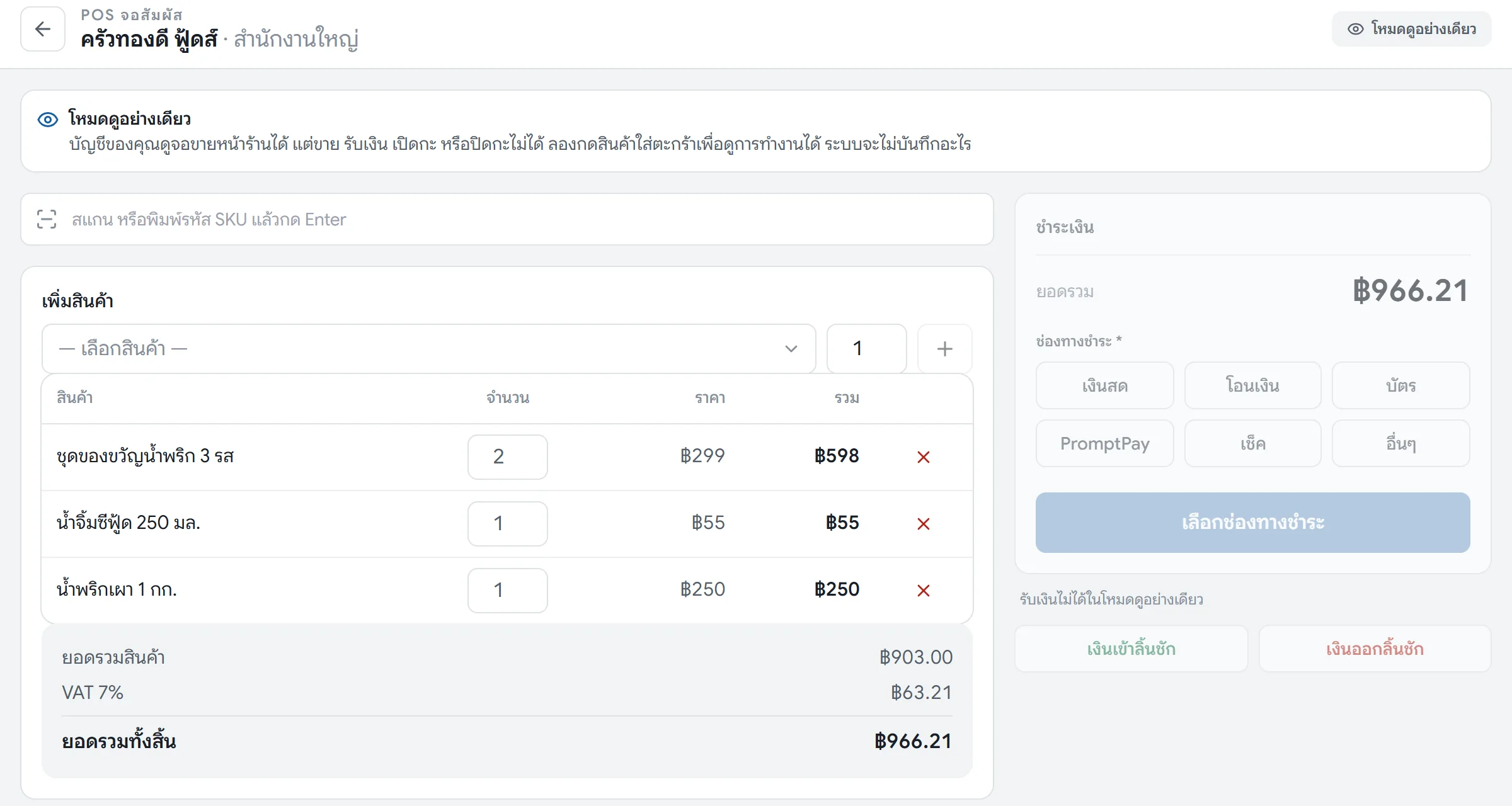
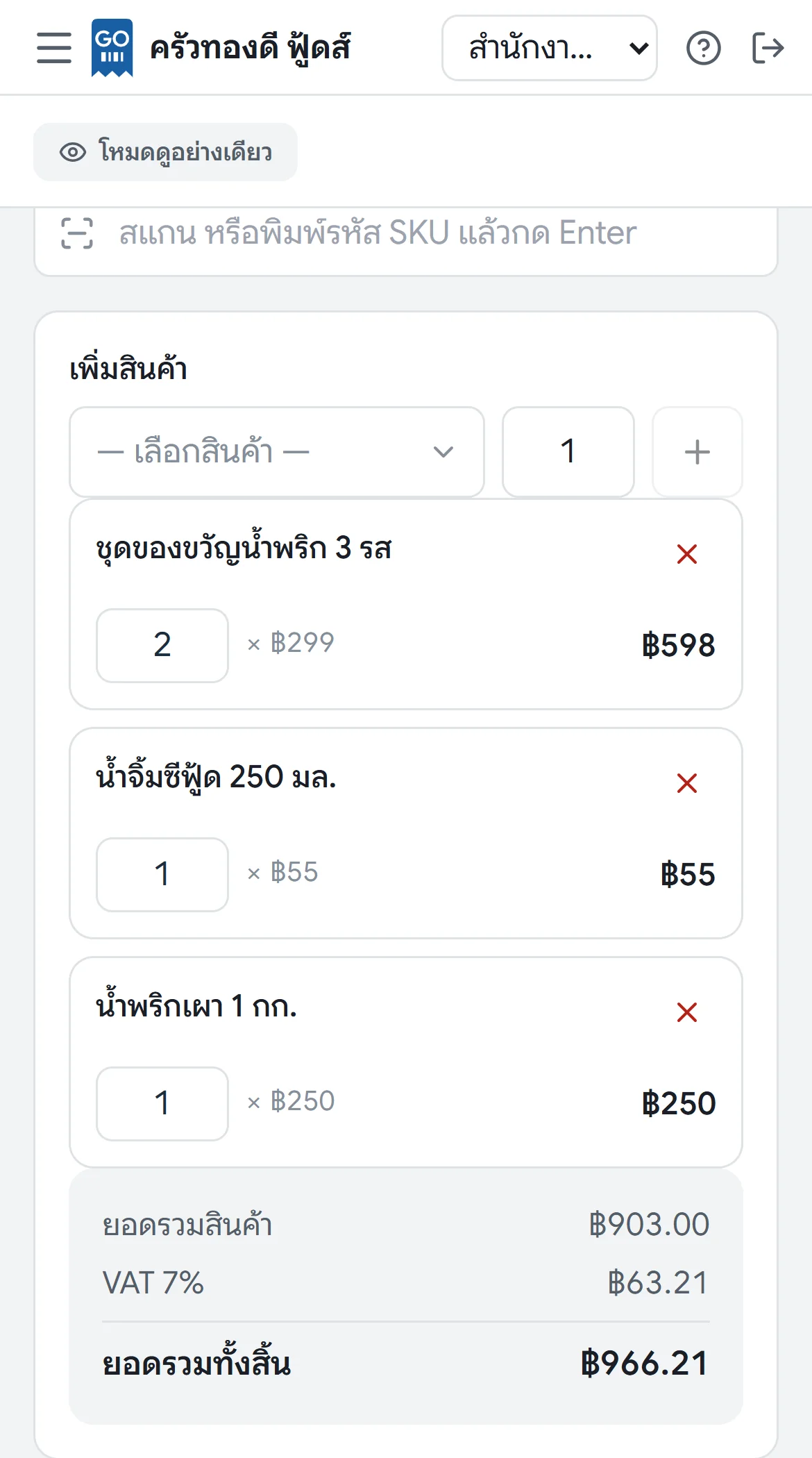
The sales screen is designed for tablets and phones. Tap to pick products or scan barcodes with the device's camera right away, with no separate scanner to buy. Accept cash, bank transfer and card. When you close a bill, the system deducts stock at that branch and records the revenue and output VAT in the accounts immediately, so nobody has to key it in again at the end of the day.
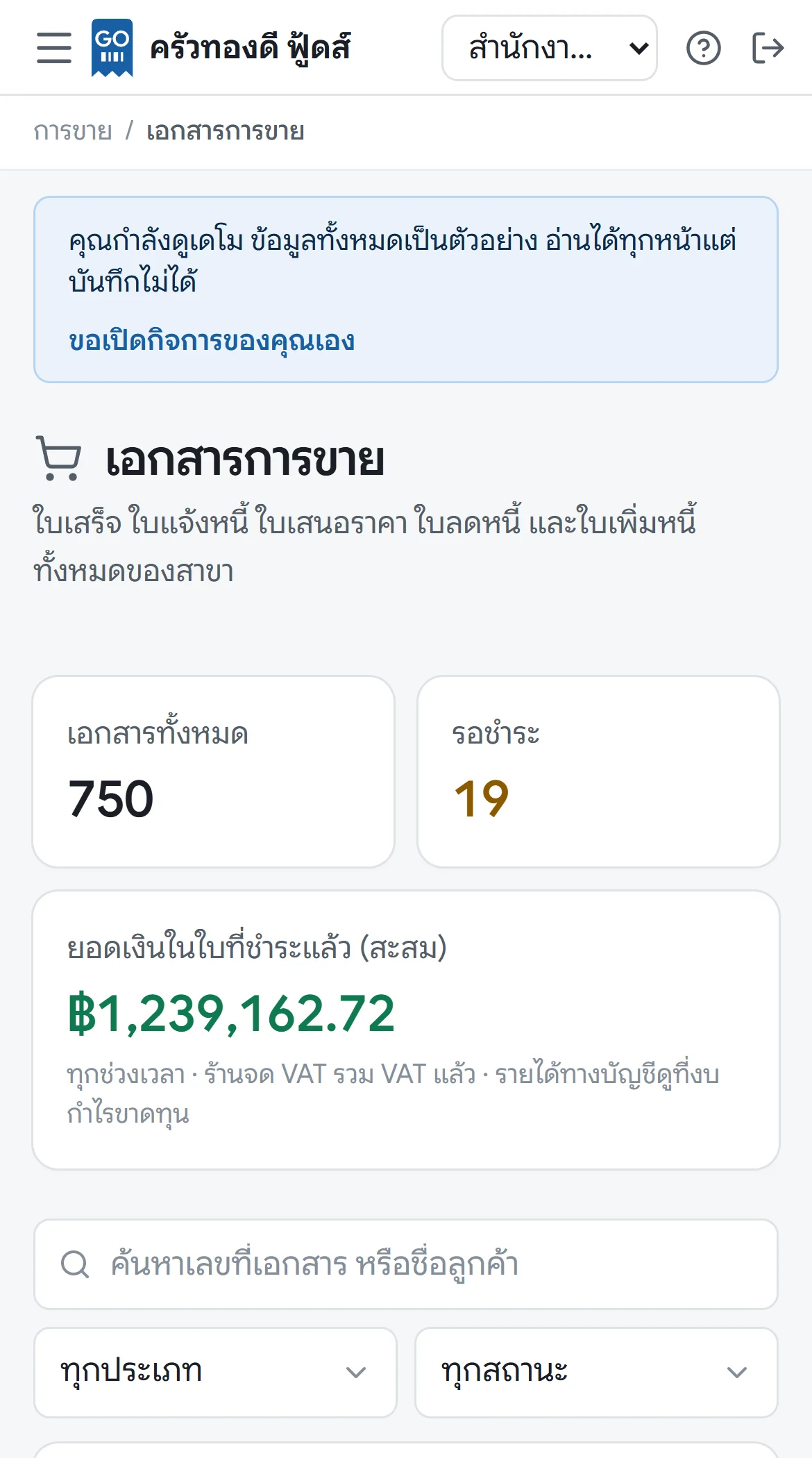
A complete set of sales documents, from quotations, invoices and receipts to full tax invoices for VAT-registered stores. Document numbers run in sequence, and issued documents can't be edited. If a bill is wrong, you issue a credit note or debit note referencing the original, so your tax reports always match the documents your customers hold.
Send tax invoices to customers by email with e-Tax Invoice by Email, no paper needed. The program prepares the file and the correct subject in one click, and you send it from the email address registered with the Revenue Department.
Staff open and close their shift with a cash drawer count. The system compares sales with the cash counted and shows any difference right away. Cash taken in or out of the drawer and the difference at shift close are posted to the books automatically. The owner decides who can void bills or give discounts, and every action is logged with who did it and when.
Menus in the app: Touch-screen POS, Sales, Credit notes, Debit notes
- Do I need to buy a barcode scanner?
- No. You can scan with your phone or tablet camera. If you already have a USB or Bluetooth scanner, you can use it too.
- Can I keep selling if the internet goes down?
- The app runs in a web browser, so you need an internet connection while selling. We recommend keeping a mobile data backup at the store.